Opprett din første side
Hver side du oppretter i Notion, er et nytt lerret der du kan legge til akkurat det innholdet du ønsker. Følg disse trinnene for å opprette din første side📄
There are a few ways to add a new page in Notion.
Click
New pageat the top of your left sidebar.If you’re on the desktop app, use the shortcut
cmd/ctrl+N.If you’re on mobile, tap
+at the bottom of your screen.
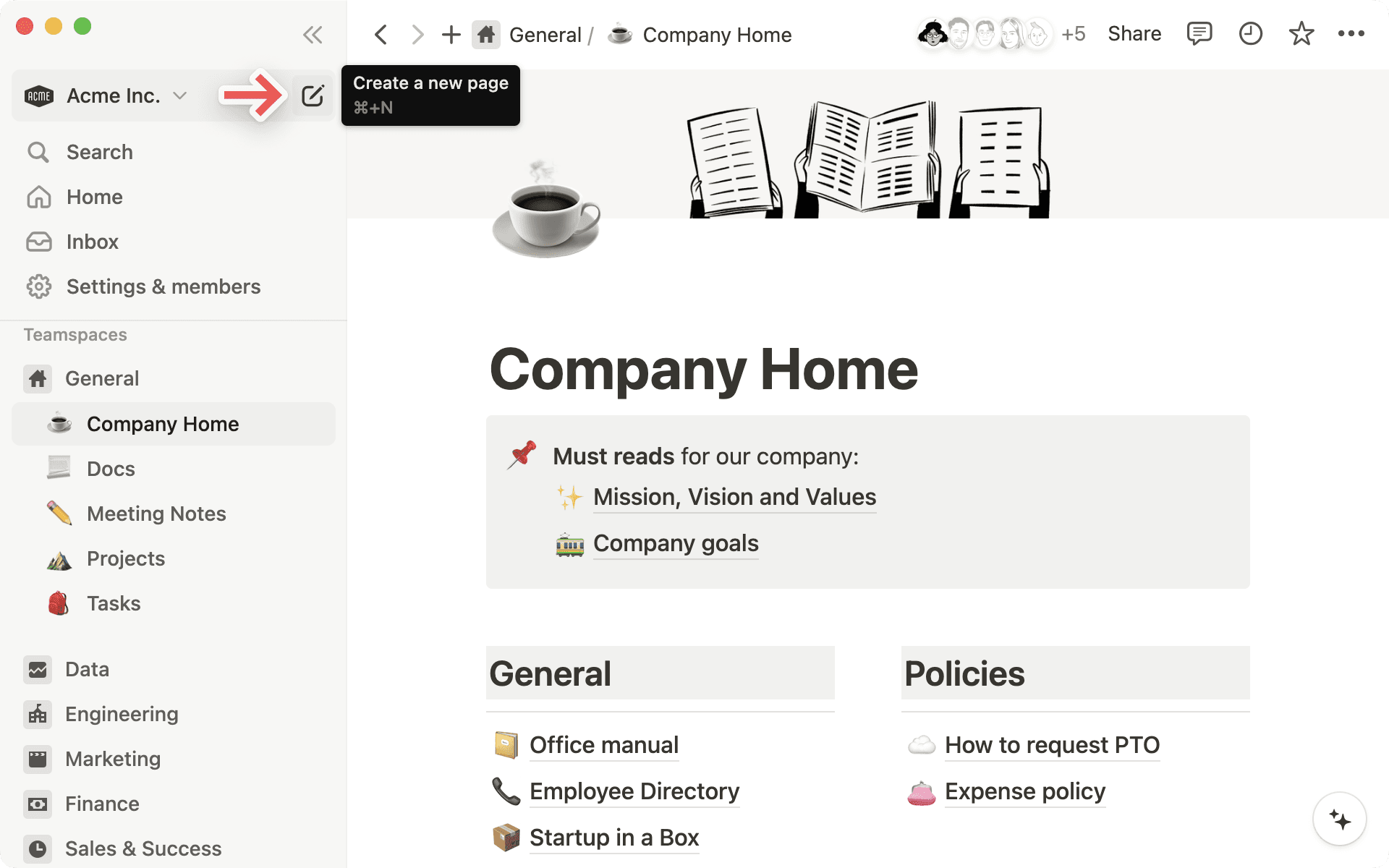
Once your new page opens, you can give your page a title and start jotting down your thoughts.
Need some inspiration or structure? On desktop or web, select any of the options at the bottom of the page to get started. You can import from an app or file, use a template, create a table, and more — select an option you like, and your page will be formatted accordingly!
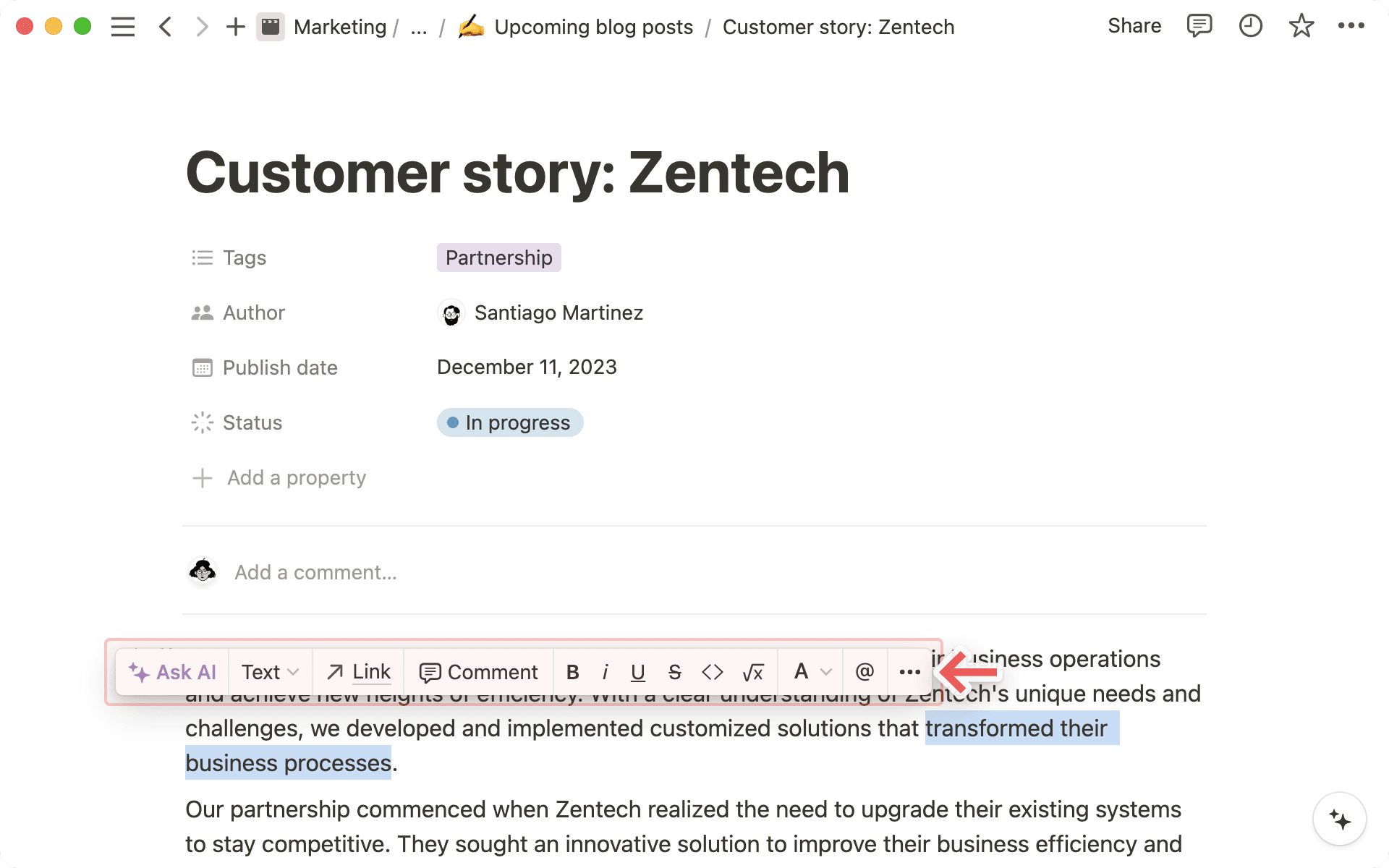
As you write, highlight any text on your page to bring up a menu of options. You can change the color or style of your text, add a comment or hyperlink, and more. Learn more about writing and editing basics here →
Kommandoen / blir raskt din beste venn i Notion.
Ved å skrive
/får du opp en omfattende meny med blokktyper – alle innholdsalternativene dine. Eksperimenter med ulike blokktyper – du finner snart dine egne favorittkombinasjoner!Legg til en hvilken som helst type blokk ved å skrive
/og bla til ønsket blokk eller skriv navnet på den. For eksempel skaper/o1en stor overskrift, og/gjøremålskaper en avmerkingsboks.